

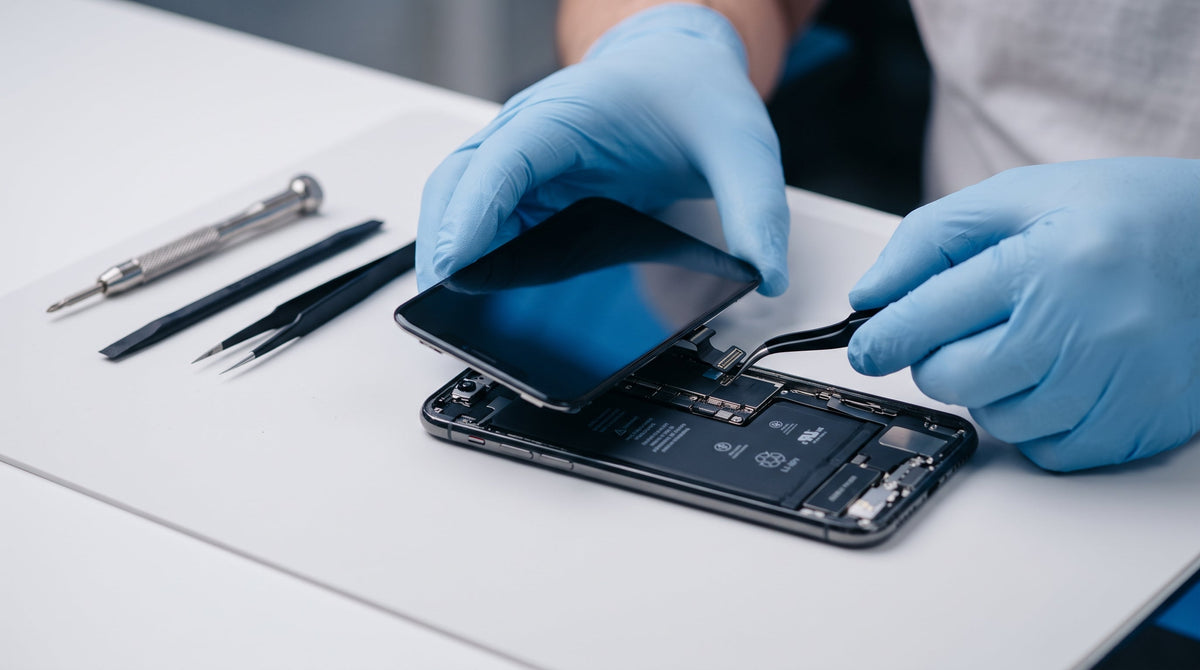
In brief: The "Unknown Part" prompt originates from Apple’s "parts pairing" framework—a software protocol that cryptographically ties components to the iPhone's factory logic board serial number. Celltro’s D-Pro / D-Pro+ screens and B-Diag / B-Diag+ batteries are engineered to interface directly with iOS diagnostic routines to minimize these notifications, without being OEM Apple parts.
A customer returns to your repair counter two days after a screen replacement, anxious because their iPhone is displaying an alert about an "Unknown Part." As a technician, you know the physical repair was executed cleanly, but now you have to reassure the customer—and justify your component sourcing. This scenario plays out weekly across repair workshops, and it warrants a straightforward explanation for your team and your clientele alike.
What Causes the "Unknown Part" Message?
Across several iPhone generations, Apple has paired critical components (displays, battery packs, Face ID sensors, rear cameras) to the specific serial number of the logic board during factory assembly. This process is commonly known as "parts pairing" or serialization. When a replacement component is installed without being re-synchronized through Apple’s proprietary system configuration tool (restricted primarily to Apple Authorized Service Providers), iOS cannot validate its serialized cryptographic signature. The operating system responds by displaying an alert—even though the physical replacement part functions normally in the vast majority of repairs.
This is a software-level notification, not an indicator of a hardware defect. A premium, flaw-free replacement part can still trigger the alert if not paired; conversely, an alert-free install does not automatically guarantee high-grade components. To review the quality specifications available across our catalog, consult our Quality Guide.
What the Notification Displays by Component
| Replaced Component | System Message | Functional Impact |
|---|---|---|
| Screen Assembly | "Unknown Part" or disabled auto-brightness notice | None on display or touch digitization; True Tone may be restricted |
| Battery | "Important Battery Message" / "Unable to verify" in Battery Health | None on charging or power delivery; Maximum Capacity percentage masked |
| Face ID / Camera | Non-genuine component warning | May disable biometric authentication or camera features (outside Celltro lines) |
Diagnostic Technology: How It Works
Celltro’s D-Pro screens and B-Diag batteries are specifically engineered to communicate with native iOS diagnostic protocols, significantly mitigating "Unknown Part" system prompts compared to standard aftermarket components. This is not an unstable software bypass; it is a hardware-level architecture built to properly interface with device verification handshakes. This identical Diagnostic protocol is embedded in both the baseline and "+" tier variants—the "+" designation reflects physical and hardware capacity upgrades, as detailed below.
D-Pro vs. D-Pro+: What Is the Exact Difference?
The Diagnostic handshake logic is identical on both the D-Pro and the D-Pro+: they share the same flexible Soft OLED panel, identical touch response, and matching iOS system behavior. The difference with the D-Pro+ is purely mechanical: it arrives with the proximity sensor assembly pre-installed directly onto the frame. Technicians do not need to desolder or transfer the delicate sensor ribbon from the broken screen, cutting down installation time and avoiding accidental flex tearing.
- D-Pro: Ideal for workshops with experienced technicians comfortable transferring existing proximity ribbons, maximizing profit margins per repair.
- D-Pro+: Ideal for rapid bench turnaround times and reduced technician handling risks, especially in high-volume repair shops.
B-Diag vs. B-Diag+: What Is the Exact Difference?
The same logic applies to our battery tiers: Diagnostic firmware integration across the B-Diag and B-Diag+ lines is identical. The key differentiator is cell capacity: B-Diag provides standard OEM-rated capacity, whereas B-Diag+ incorporates a high-density cell for customers seeking an extended daily runtime upgrade.
Comparison Matrix
| Tier | Key Differentiator | Best Suited For |
|---|---|---|
| D-Pro | Soft OLED + Diagnostic support; proximity sensor transferred from original screen | Standard repairs, optimal cost efficiency |
| D-Pro+ | Identical Soft OLED and Diagnostic support as D-Pro; pre-installed proximity sensor | Fast installation, high-volume repair desks |
| B-Diag | Diagnostic support, standard OEM-equivalent capacity | Standard battery replacements |
| B-Diag+ | Identical Diagnostic support as B-Diag, expanded high-density capacity | Clients seeking extended all-day battery life |
What This Means for Your Repair Business
- Significantly fewer customer callbacks and post-repair warranty disputes regarding warning alerts.
- A transparent selling point when clients compare your shop's quote against competitors using cheap generic parts.
- Clear, structured tiers tailored to your bench priorities: cost efficiency (D-Pro / B-Diag), rapid assembly (D-Pro+), or extended battery life (B-Diag+)—explore all our replacement parts.
- Independent aftermarket solutions requiring no vendor lock-in or proprietary manufacturer contracts.
Shop Best Practices to Minimize Alert Concerns
- Default to Diagnostic lines (D-Pro/D-Pro+, B-Diag/B-Diag+) for customers who are sensitive to system prompts.
- Perform a full system restart following final assembly before returning the handset to the customer.
- Audit part status in iOS Settings prior to customer pickup to prevent surprises at the handover counter.
- Provide a brief, proactive explanation at checkout confirming that serialized notices are standard Apple software prompts that do not impact functionality.
- Train front-desk staff with consistent talking points so all technicians present a unified explanation—review our Warranty and Returns Policy for additional technical context.
Does an "Unknown Part" message mean the replacement part is defective or low quality?
No. The message is triggered strictly by Apple's software serialization protocol, not by the structural, visual, or chemical quality of the component.
Can the notification disable essential iPhone features?
For screens and batteries, no—the device continues to operate normally, with standard touch digitization, cellular connectivity, and charge intake.
Are D-Pro screens and B-Diag batteries original Apple parts?
No. They are precision aftermarket replacement components. They are not manufactured, authorized, sponsored, or endorsed by Apple Inc.
Do D-Pro+ or B-Diag+ suppress the message better than standard D-Pro or B-Diag?
No. The Diagnostic protocol is identical across both versions. The "+" tier adds either a factory pre-installed proximity sensor (screens) or higher milliamp-hour capacity (batteries), without altering system message behavior.
Can the notification reappear after a major iOS update?
While infrequent with our Diagnostic lines, major OS revisions can alter Apple's verification handshakes. This is an industry-wide characteristic affecting the entire independent repair ecosystem, not specific to Celltro components.
Summary
- The "Unknown Part" prompt stems from Apple's serialized parts pairing, not a hardware defect.
- D-Pro and D-Pro+ share identical Diagnostic capabilities; the "+" designates a pre-installed proximity sensor.
- B-Diag and B-Diag+ share identical Diagnostic capabilities; the "+" designates expanded high-density capacity.
- Proactive communication at the counter resolves client concerns before they become callbacks.
Looking to compare our component quality tiers before your next stock order?
Explore the Quality Guide Access My Wholesale AccountApple, iPhone, and iOS are trademarks of Apple Inc. Celltro is an independent entity and is not affiliated with, sponsored by, or endorsed by Apple Inc.
